Hotspot & PPPoE Works behind CGNAT Mobile money ready
Mobile ready
Manage anywhere
Your network, connected
Manage MikroTik routers wherever they are.
Your routers connect securely to Kadili Cloud, giving the billing
system the access it needs without requiring a public IP at every site.
Built around real ISP networks.
A site can sit behind CGNAT and still use centralized authentication,
payments and management. Each router keeps its own secure connection
back to the platform.
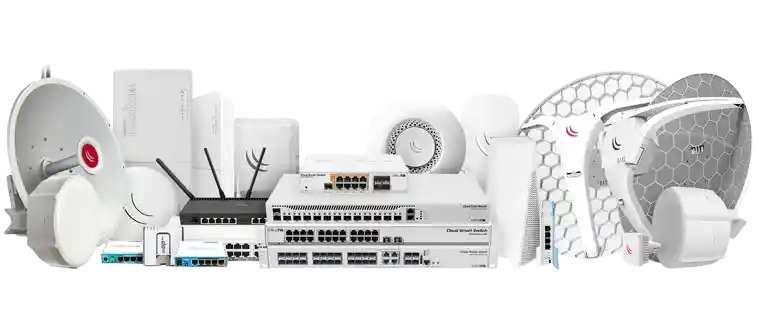
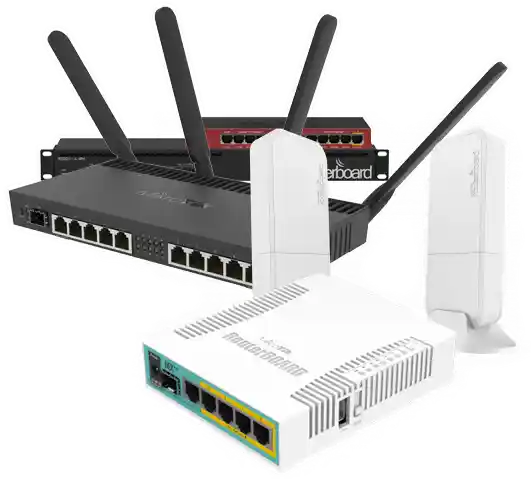
MikroTik ready
Secure WireGuard managementEach router receives its own tunnel identity and management address.
Central RADIUS authenticationHotspot and PPPoE access is authorized and accounted centrally.
No public IP requiredThe router connects outward, making deployment practical on CGNAT connections.
MikroTik Router
● Online
Hotspot Site
Customers online
Kadili Cloud
Secure network core
PPPoE
Subscribers
Payments
Mobile money
Billing services
Hotspot and PPPoE. One platform.
Serve walk-in WiFi customers and fixed subscribers without mixing
the workflows that make each service different.
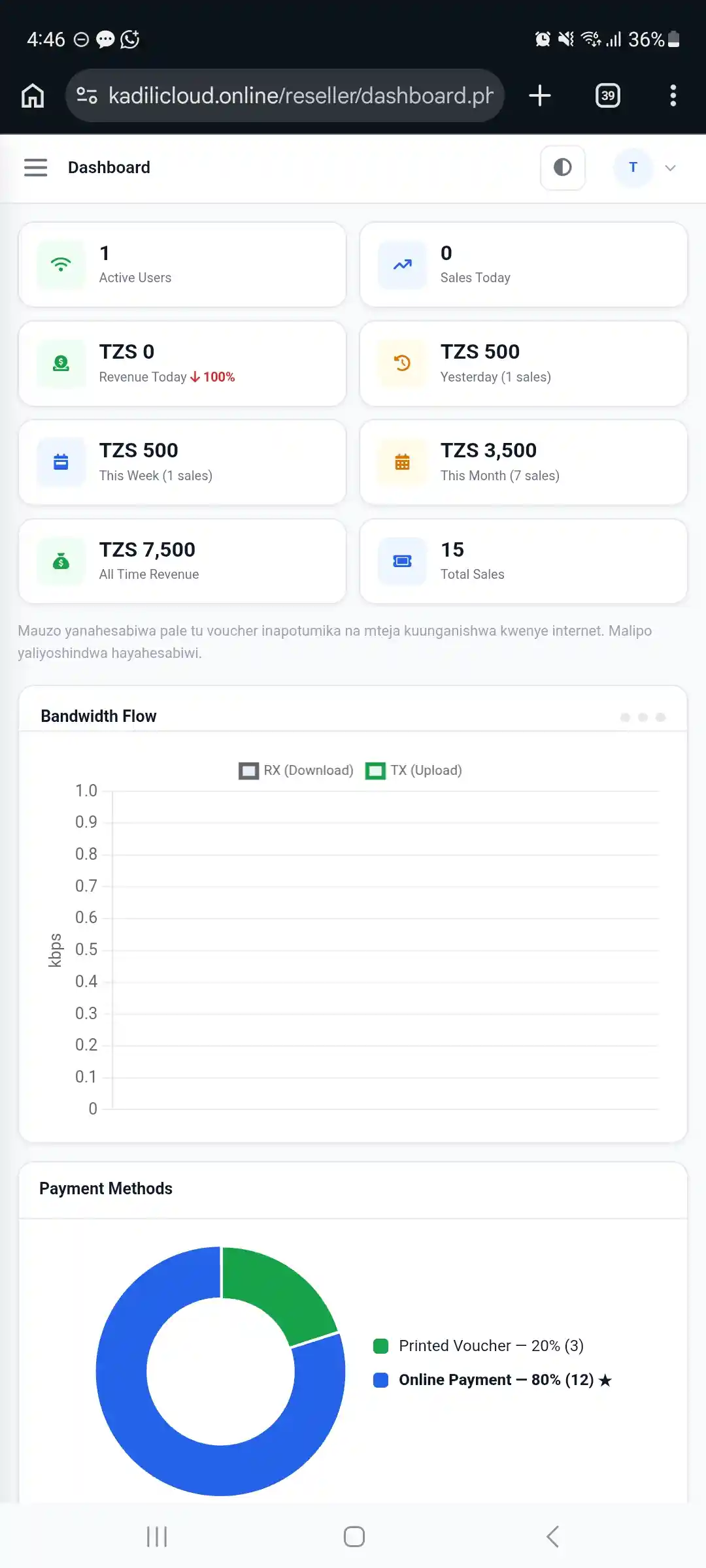
Hotspot Billing
For public WiFi, hostels, shops, cafés and shared internet networks.
Create packages with time, speed and data limits.
Generate and print vouchers for customers and agents.
Accept online payments directly from the captive portal.
Automatically connect customers after confirmed payment.
Track active users, sales and voucher usage.
PPPoE Billing
For fixed home, office and monthly internet subscribers.
Create subscriber plans with speed and billing periods.
Give each customer their own username and password.
Apply speed profiles automatically through RADIUS.
Suspend or reactivate customer access when needed.
Keep session and subscriber records in one dashboard.
Built for daily operations
The tools you need without unnecessary complexity.
From the first customer payment to router access and staff operations,
Kadili Cloud keeps the important parts of the network together.
Online payments
Customers can pay for internet packages and continue through the connection flow after payment is confirmed.
Voucher management
Create, print and track hotspot vouchers while keeping package and usage records organized.
Agents
Give agents controlled voucher-printing access using Free, Limited or Buy-to-Print modes.
Router management
Keep MikroTik sites connected to the platform and see the network information needed for support.
Live users
See active hotspot sessions and manage customer access without working directly from the router every time.
Central authentication
RADIUS keeps network authentication centralized while each MikroTik remains part of your own deployment.
Getting connected
From MikroTik to a working cloud setup.
Kadili Cloud prepares the router configuration needed for your account.
Once the router is connected, you can manage the service from your dashboard.